Is this Model 3 (2024+) Standard & Premium wrap free to download?
Yes. This Model 3 (2024+) Standard & Premium wrap is completely free to download as a PNG, with no account or payment required.
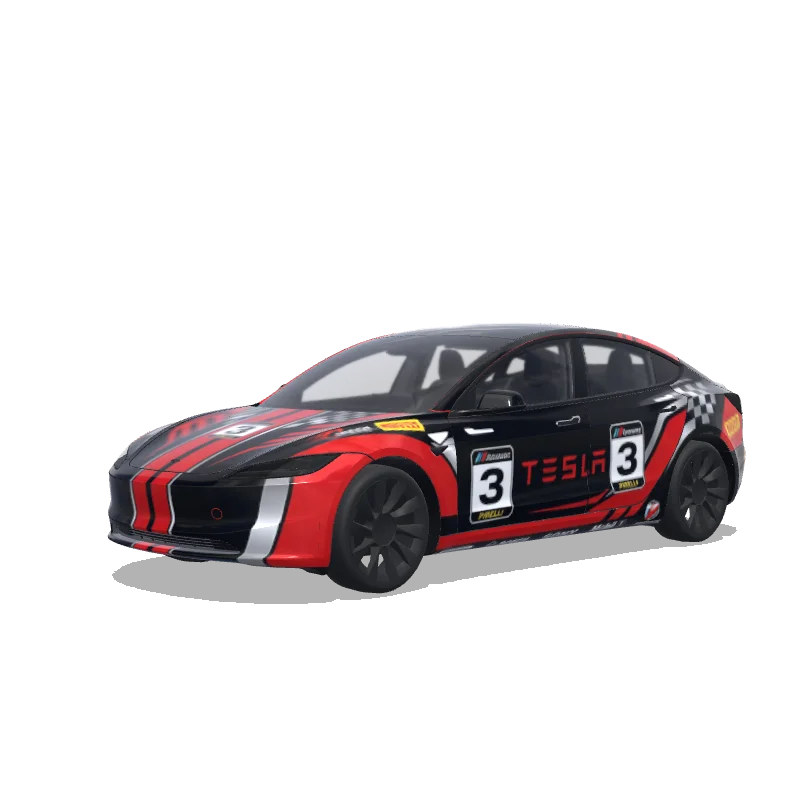
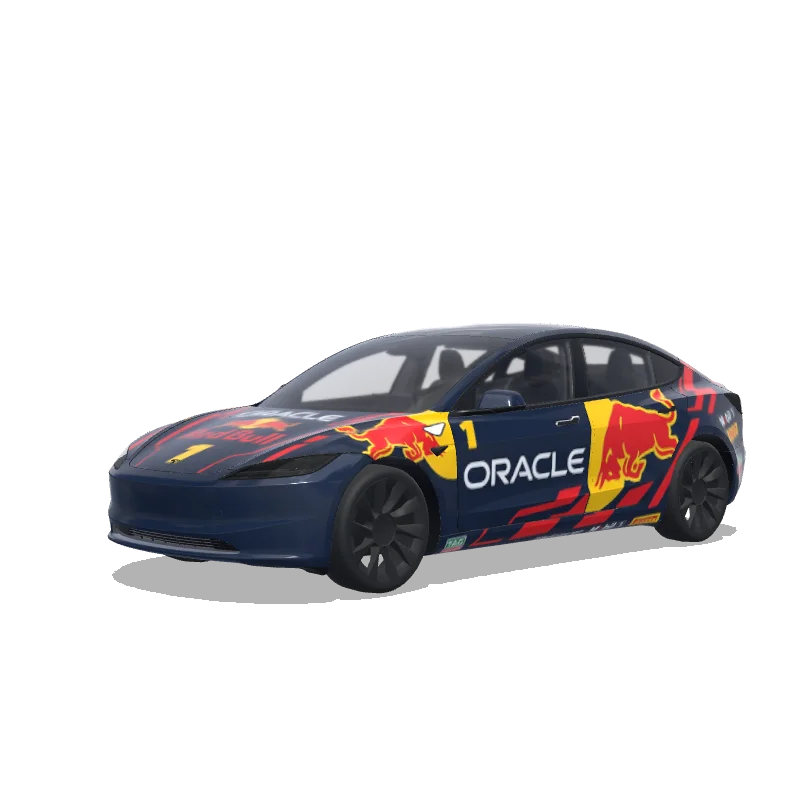
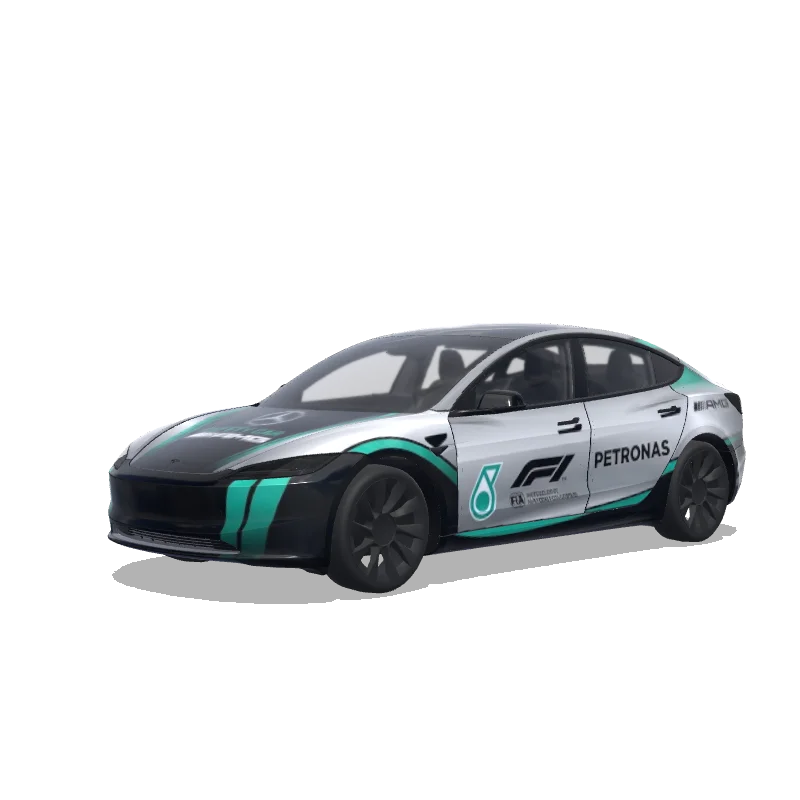
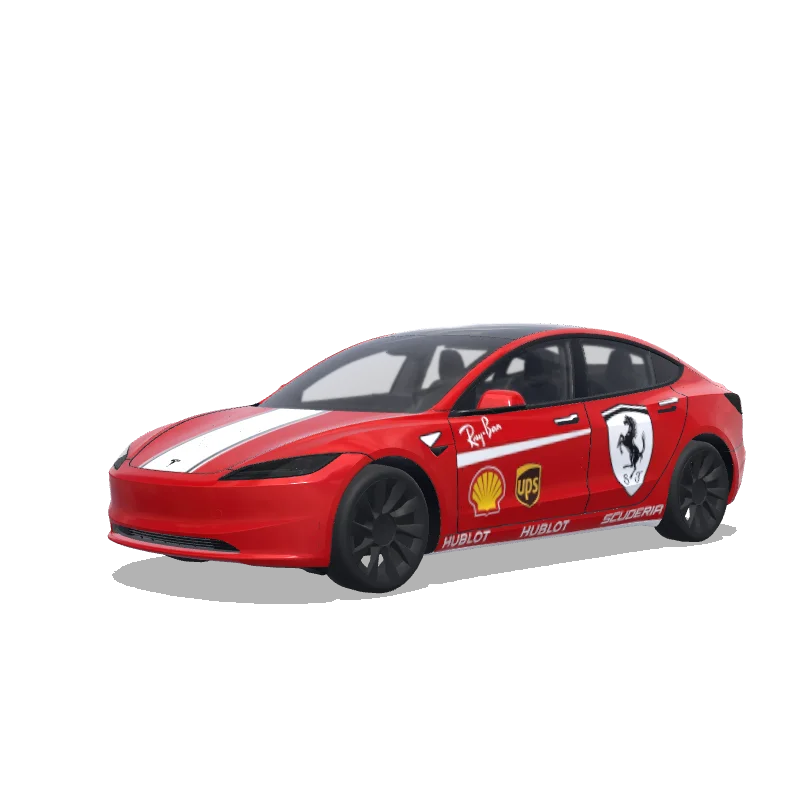
“Racing car wrap with sponsor logos, racing stripes, number decals, motorsport graphics”
 Designed byJérôme Crikelaire
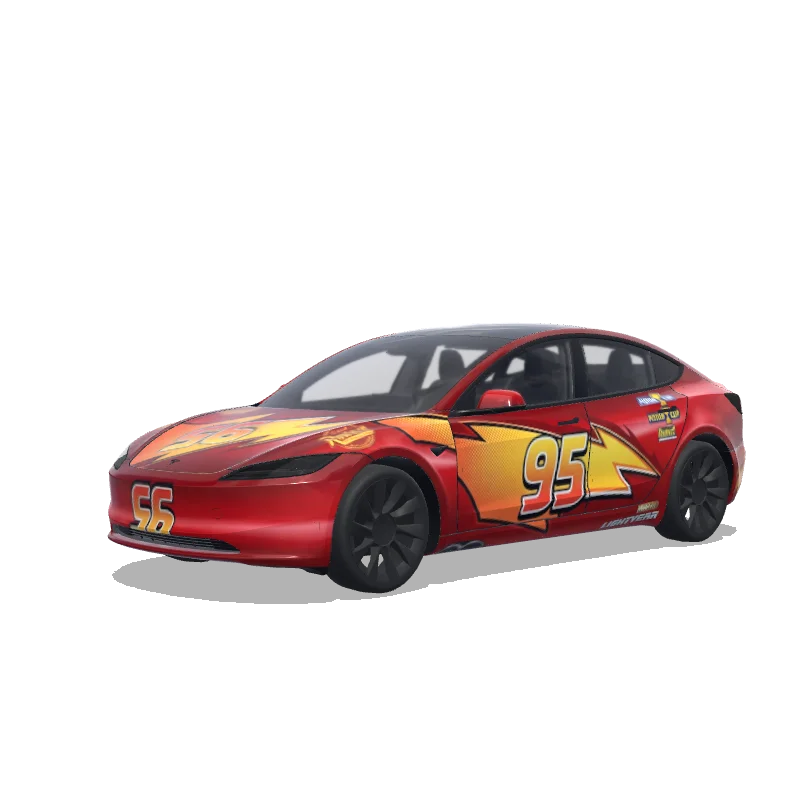
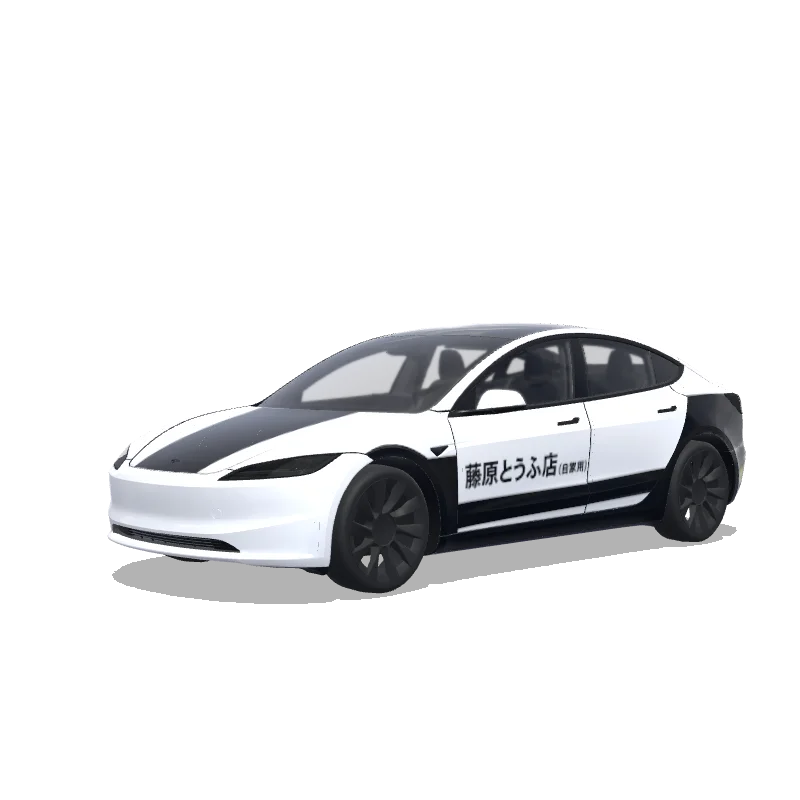
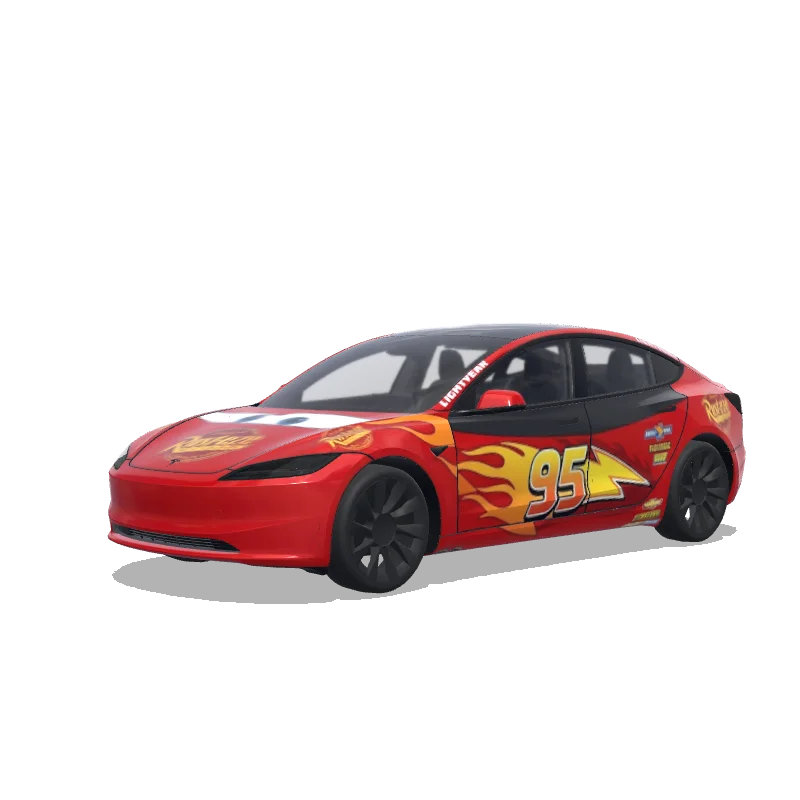
Racing Model 3 (2024+) Standard & Premium Wrap Design is a custom wrap design for the Tesla Model 3 (2024+) Standard & Premium, ready to apply through Tesla Toybox Paint Shop. It was generated on Tesla Wrap Designer from the prompt “Racing car wrap with sponsor logos, racing stripes, number decals, motorsport graphics”. It is completely free to download as a 1024×1024 PNG in the exact format Tesla Paint Shop expects — no account required. So far it has earned 23 downloads and 2 likes from the community. Download it for your Model 3 (2024+) Standard & Premium, open it in the free wrap editor to customize colors and add text, or use it as inspiration for your own Tesla wrap.
Yes. This Model 3 (2024+) Standard & Premium wrap is completely free to download as a PNG, with no account or payment required.
It downloads as a 1024×1024 pixel PNG under 1MB — the exact format Tesla Paint Shop requires.
Download the PNG, copy it to a USB drive in a folder named "Wraps", insert the drive into your Model 3 (2024+) Standard & Premium, then open Toybox → Paint Shop and select the wrap.
Yes. Open it in the free Model 3 (2024+) Standard & Premium wrap editor to change colors, add text or images, and export your own PNG.