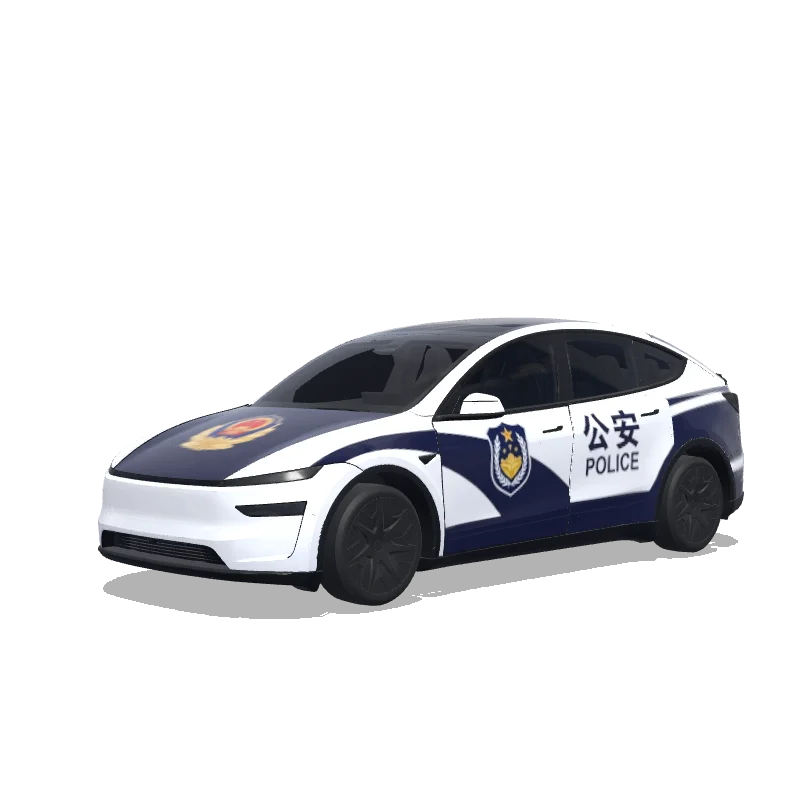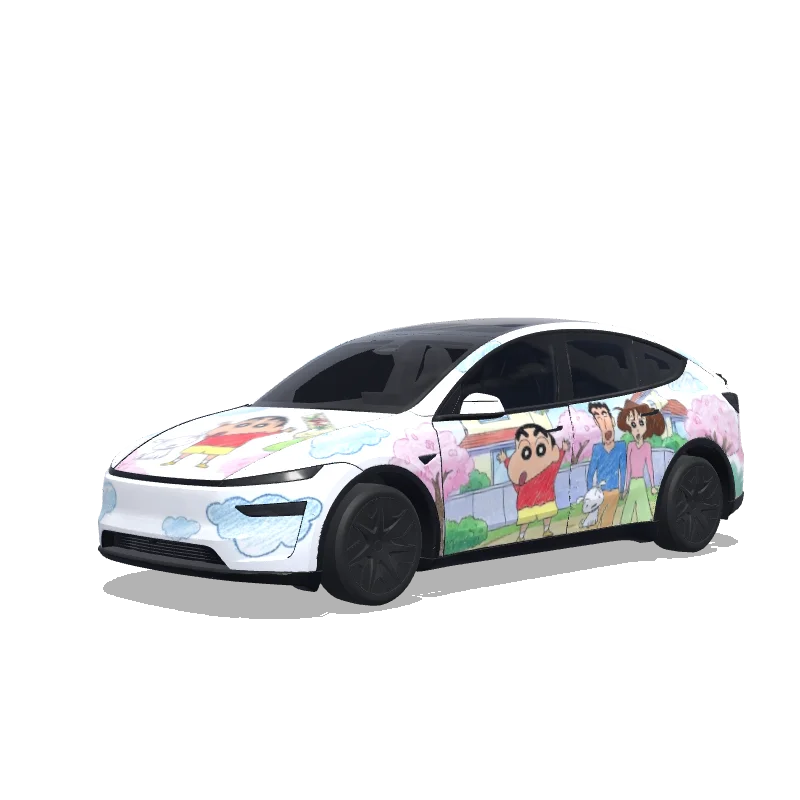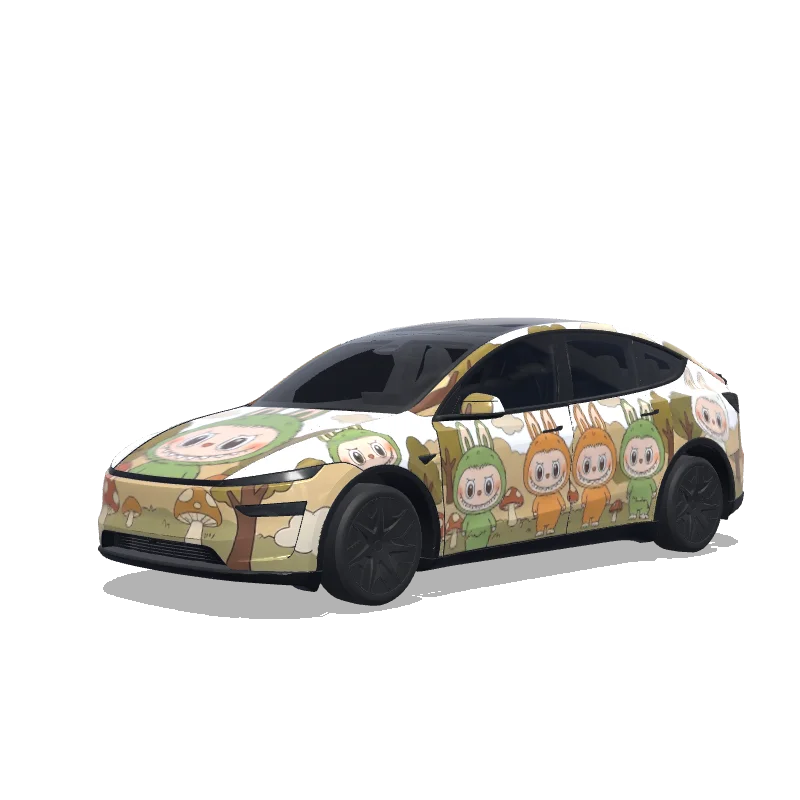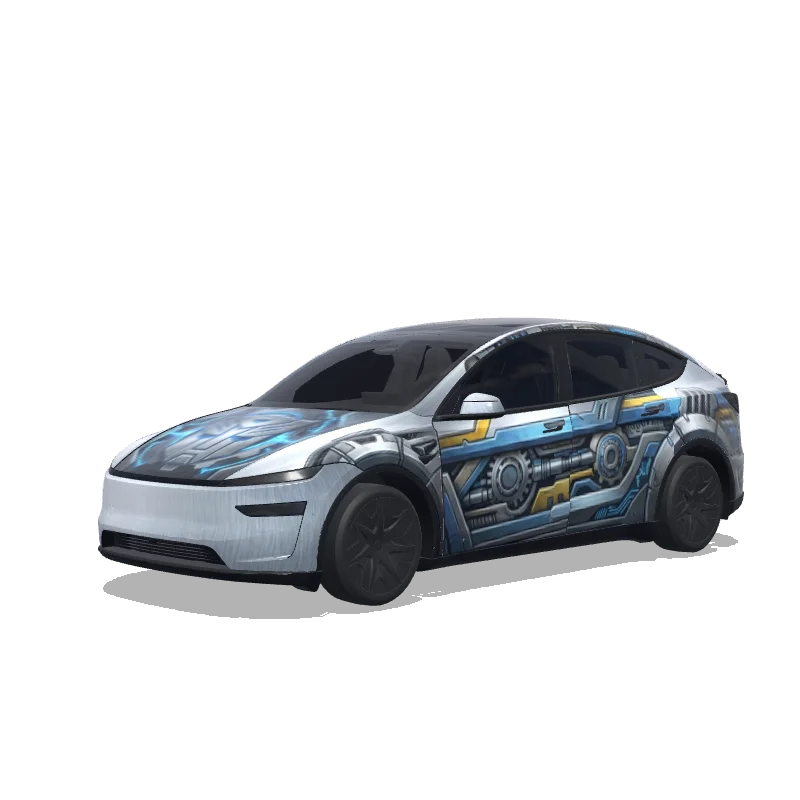
Is this Model Y L wrap free to download?
Yes. This Model Y L wrap is completely free to download as a PNG, with no account or payment required.
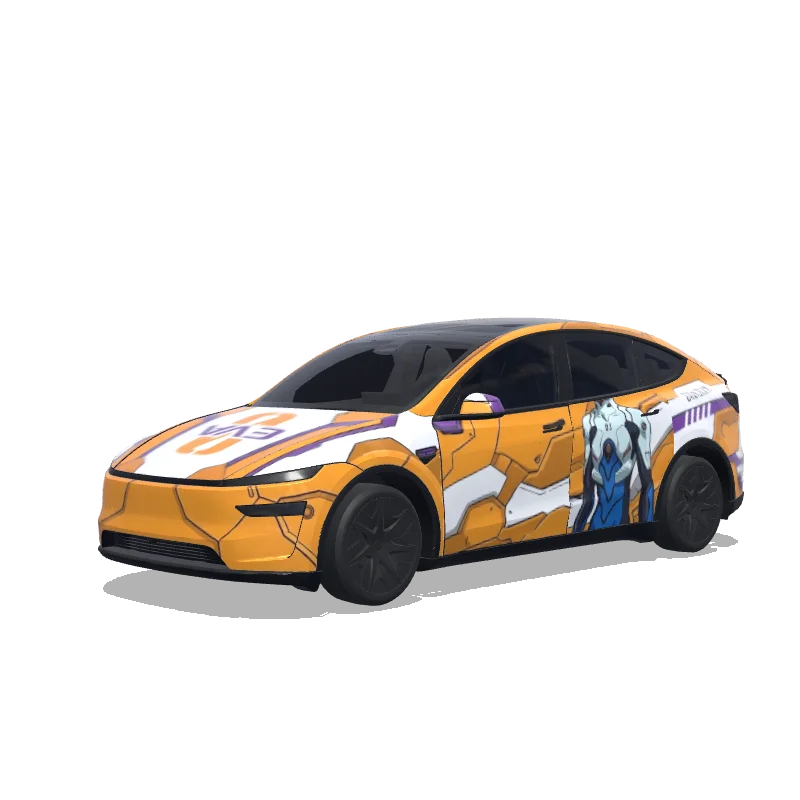
“整体主题:新世纪福音战士 EVA 零号机,经典橙白配色,紫色辅助,装甲板纹理、关节线条、蓝色发光眼睛。 左侧驾驶员碇真嗣,右侧EVA 零号机头部和上身装甲,引擎盖:EVA 标志性进步刀符号”
 Designed byeden fan
Custom Model Y L Wrap Design is a custom wrap design for the Tesla Model Y L, ready to apply through Tesla Toybox Paint Shop. It was generated on Tesla Wrap Designer from the prompt “整体主题:新世纪福音战士 EVA 零号机,经典橙白配色,紫色辅助,装甲板纹理、关节线条、蓝色发光眼睛。 左侧驾驶员碇真嗣,右侧EVA 零号机头部和上身装甲,引擎盖:EVA 标志性进步刀符号”. It is completely free to download as a 1024×1024 PNG in the exact format Tesla Paint Shop expects — no account required. So far it has earned 8 downloads from the community. Download it for your Model Y L, open it in the free wrap editor to customize colors and add text, or use it as inspiration for your own Tesla wrap.
Yes. This Model Y L wrap is completely free to download as a PNG, with no account or payment required.
It downloads as a 1024×1024 pixel PNG under 1MB — the exact format Tesla Paint Shop requires.
Download the PNG, copy it to a USB drive in a folder named "Wraps", insert the drive into your Model Y L, then open Toybox → Paint Shop and select the wrap.
Yes. Open it in the free Model Y L wrap editor to change colors, add text or images, and export your own PNG.